
Encrypted on your phone
Private keys are encrypted. The vault key is protected by Android Keystore and your phone lock.
PASSKEYAES-256-GCM · Android Keystore
PASSKEY VAULT · ANDROID 14+
PASS369 · Passkey vault for Android
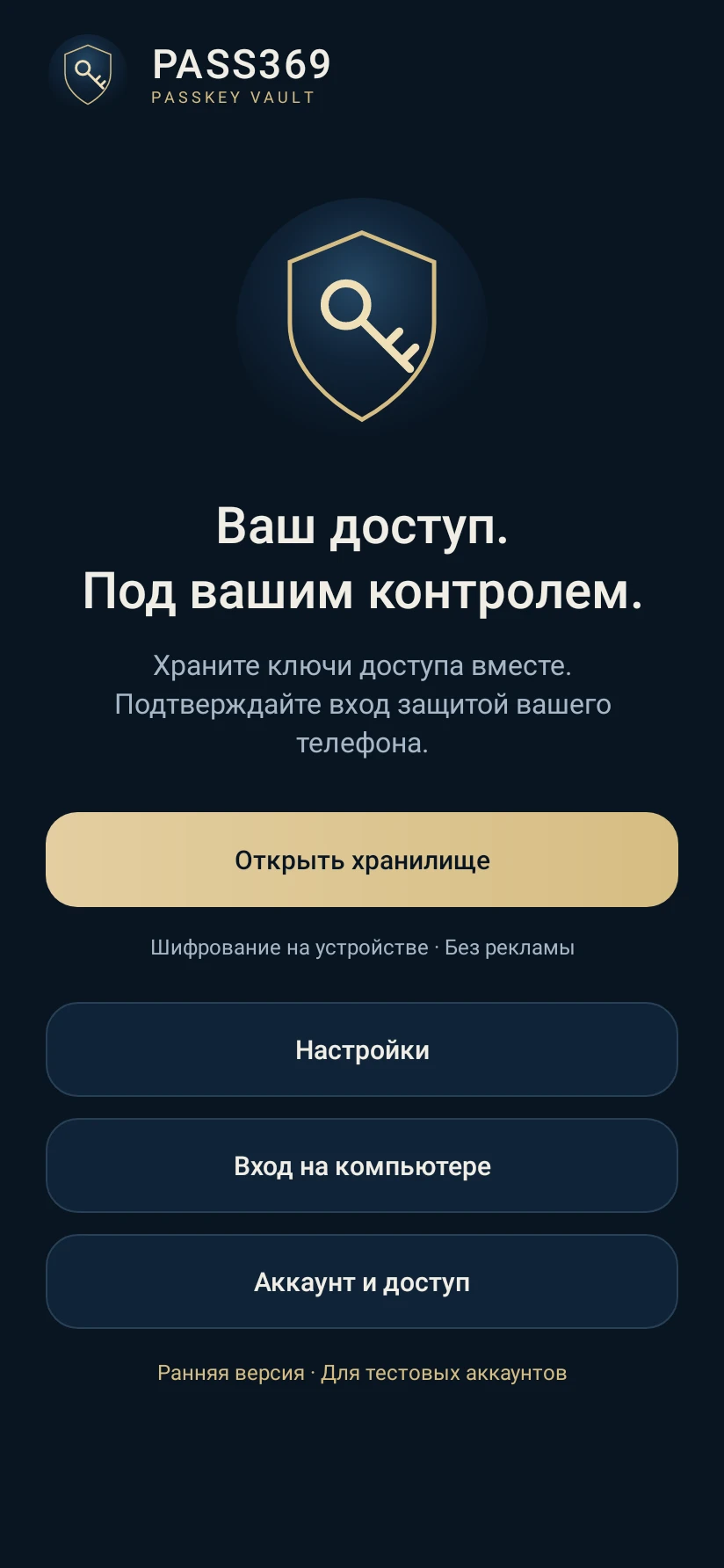
Keep your passkeys together. Sign in with the security of your phone.
Video tutorialsiPhone: Beta · invitation required
No card. No automatic charge.
Private by design
Email is used for sign-in and licensing. Private keys stay on your phone.
Private keys are encrypted. The vault key is protected by Android Keystore and your phone lock.
The vault closes when you leave the app. Each passkey request requires confirmation.
PASS369 needs a system PIN, password or pattern. Android verifies it; PASS369 does not receive it.
Enable PASS369 in Android. Then open the security settings of a site that supports passkeys and create a key there.
Save an encrypted copy outside this phone. Keep its password separately. Without the device or a backup, we cannot recover your keys.
Stored on this deviceVerify your email and start 7 free days. No card required. The trial does not renew automatically.
No card. No automatic charge.
Create new passkeys during the 7-day trial or with an active plan. Sign-in with saved keys, backup export and restore remain available.
Email is used for sign-in and licensing. Private keys stay on your phone.
There is no cloud sync in this version. Use an encrypted backup to move your keys.
PASS369 PRO
All three plans include the same features. Choose a month, a year or lifetime access.
Billed every month. Renews automatically until canceled in PayPal.
Billed every year. Renews automatically until canceled in PayPal.
Email is used for sign-in and licensing. Private keys stay on your phone.
Create new passkeys during the 7-day trial or with an active plan. Sign-in with saved keys, backup export and restore remain available.
Google Play edition is prepared for publication. Purchases will be made in the app.
Get started
Choose PASS369 as a passkey provider in your phone settings.
Download for Android01 · 02 · 03
Use a passkey on this phone to approve a computer sign-in.
For sign-in, this site's passkey must already be saved in PASS369. Menu names depend on your phone and browser.
1. Open a site that supports passkeys. 2. Go to Account → Security → Create a passkey. 3. Select PASS369 in the Android dialog. 4. Confirm with your phone lock. Existing TOTP codes cannot be converted to passkeys.
For sign-in, this site's passkey must already be saved in PASS369. Menu names depend on your phone and browser.
Create new passkeys during the 7-day trial or with an active plan. Sign-in with saved keys, backup export and restore remain available.
Save an encrypted copy outside this phone. Keep its password separately. Without the device or a backup, we cannot recover your keys.
PASS369 · 01—06
Six short lessons, from your first sign-in to moving to a new phone.
PASS369 needs a system PIN, password or pattern. Android verifies it; PASS369 does not receive it. Keep your passkeys together. Sign in with the security of your phone. Choose PASS369 as a passkey provider in your phone settings. Verify your email and start 7 free days. No card required. The trial does not renew automatically.
PASS369
No card. No automatic charge.